

How to Choose the Best CNC Router for Your Cabinet Shop
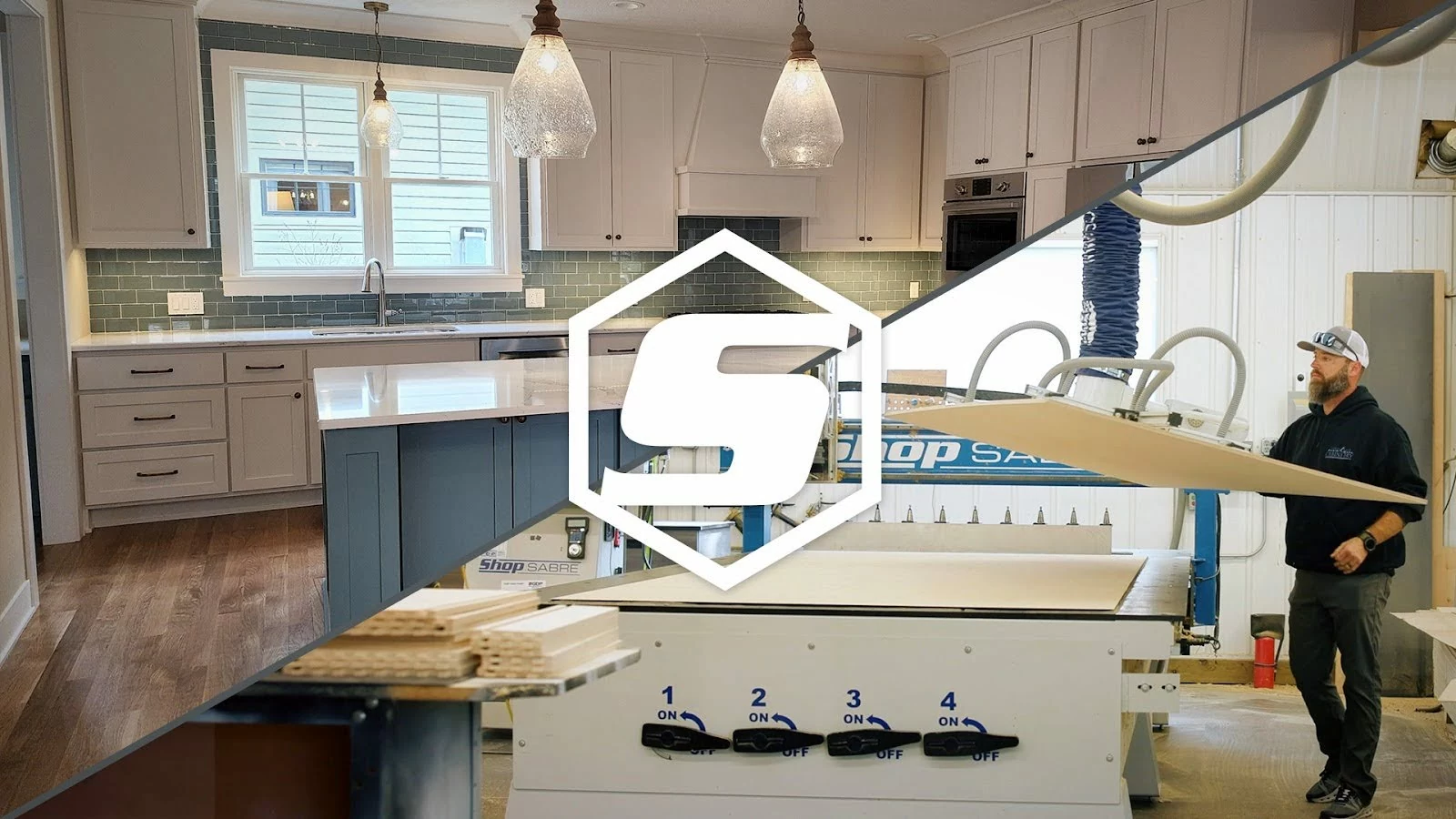
If you’re running a cabinet shop, your CNC router is the heart of your production. Whether you’re building custom kitchen cabinets, bathroom vanities, or high-volume cabinet runs for commercial spaces, choosing the best CNC router for your cabinet shop can make or break your workflow, margins, and customer satisfaction.
So, how do you choose the right machine? That depends on the kind of shop you run, the materials you work with, and how far you want to grow. Whether you’re buying your first CNC router or upgrading an existing machine, the right choice starts with your production needs, not the price tag or the spec sheet.
Let’s break it all down, from machine size and speed to software, support, and maintenance.
What is a CNC Router? (& Why Cabinetmakers Rely on Them)
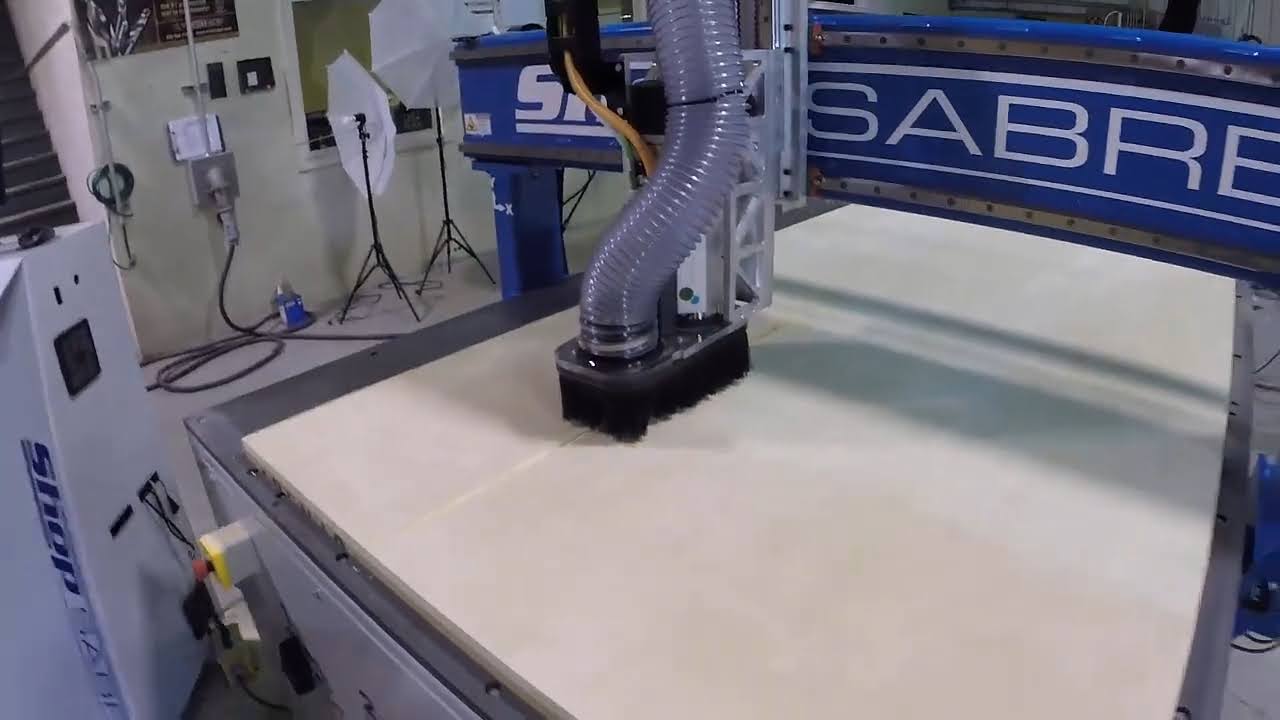
A CNC router (short for Computer Numerical Control router) is a computer-controlled cutting machine that can carve, drill, and shape wood, plastics, and even composites with pinpoint accuracy. In cabinetmaking, CNC routers handle repetitive cuts and complex shapes faster, cleaner, and more precisely than manual methods.
Instead of measuring and cutting each part by hand, you create your cabinet designs in CAD/CAM software, and the CNC router takes it from there, delivering precise cuts and repeatable results every single time. That means faster turnarounds, fewer mistakes, and the ability to take on more jobs with fewer hands.
Automation is also consistent in a way manual work can’t be. Hand-cut parts vary with the skill, energy, and focus of whoever is at the saw that day. A properly programmed CNC router cuts the 500th part the same as the first.
Whether you’re a one-man custom shop or running a high-output production floor, the best CNC router for cabinet shops should make your life easier, not more complicated.
How Does a CNC Router Work?
A CNC router turns a digital cabinet design into finished parts in six steps:
- Design the part. Draw the cabinet or component in CAD or cabinet design software.
- Prepare the toolpaths. CAM software decides which tools to use, how the machine will cut, and at what speeds and feeds.
- Transfer the program. The instructions go to the CNC controller, usually as G-code, the machine’s language.
- Secure the material. The sheet is held in place, typically by vacuum hold-down or clamps.
- Machine the part. The controller moves the machine and runs the spindle according to the program.
- Inspect and finish. The operator checks dimensions, edge quality, and fit before parts move to edgebanding and assembly.
Many cabinet shops add automatic tool changes, part labeling, and material handling to this workflow. The real advantage isn’t just that the machine cuts automatically. It’s that production becomes repeatable, measurable, and scalable.
CNC Nesting: How Cabinet Shops Get the Most From a Sheet
A CNC nesting router is a CNC router set up to cut many parts from a full sheet in one programmed job. For cabinet shops, it’s the core workflow: sides, shelves, bottoms, backs, doors, and drawer parts all come off the same sheet, often with the shelf-pin and hardware holes drilled in the same run.
Nesting software arranges parts on the sheet to make the most of the material and plan efficient cutting paths. How much you save depends on part sizes, grain direction, tool diameter, and cutting allowances, but better yield lowers your cost on every job.
Paired with the right software, tooling, and labeling, nesting also cuts down on manual layout, keeps parts consistent, and organizes downstream assembly. Each part comes off the table already identified for the cabinet it belongs to.
A standard CNC router works well for individual parts, custom work, and varied jobs. A nesting-focused setup earns its keep when you regularly process sheet goods and want to build production around full sheets. The right configuration depends on your sheet volume, part mix, drilling needs, software, and how much automation your shop is ready to support.
For growing cabinet shops, nesting is how you add volume without adding floor space or headcount for every extra part.
Key Factors to Consider When Choosing a CNC Router for Cabinets
Not all routers are the same. Here’s what really matters when picking the right one for your shop:
1. Size and Work Area
Think about the size of sheet goods you regularly process. Most cabinet shops work with 4′ x 8′ plywood or MDF sheets, so a machine that can comfortably handle those dimensions — ideally with some extra space — is a must.
Tip: Right-size your machine, buying smaller than you need can lead to having to buy an entirely new machine in a short time—buying too big of a machine can lead to production challenges such as vacuum hold down.
2. Production Volume
How many sheets do you cut a day, and how many parts come off them? Is your work mostly custom, repeat production, or both? A machine that suits a small custom shop may not have the capacity or workflow a high-volume cabinet manufacturer needs, and the reverse is true too. Be honest about today’s volume and where you expect it to be in three to five years.
3. Speed and Production Capability
Speed isn’t just about how fast the router moves — it’s about how quickly and cleanly it completes a job without sacrificing quality.
Look at features like:
- Rapid traverse speed (how fast the machine moves between cuts)
- Cutting feed rate (how fast the machine moves when making you money)
- Spindle horsepower at 100% duty—don’t fall into the marketing gimmicks
- Tool Change Processes—Look for automatic tool changers (ATCs) that minimize downtime between operations, especially on jobs with multiple tool paths.
These directly impact your shop’s output. If you’re planning to grow your shop or add a second shift, invest in a machine that can keep pace.
4. Accuracy and Repeatability
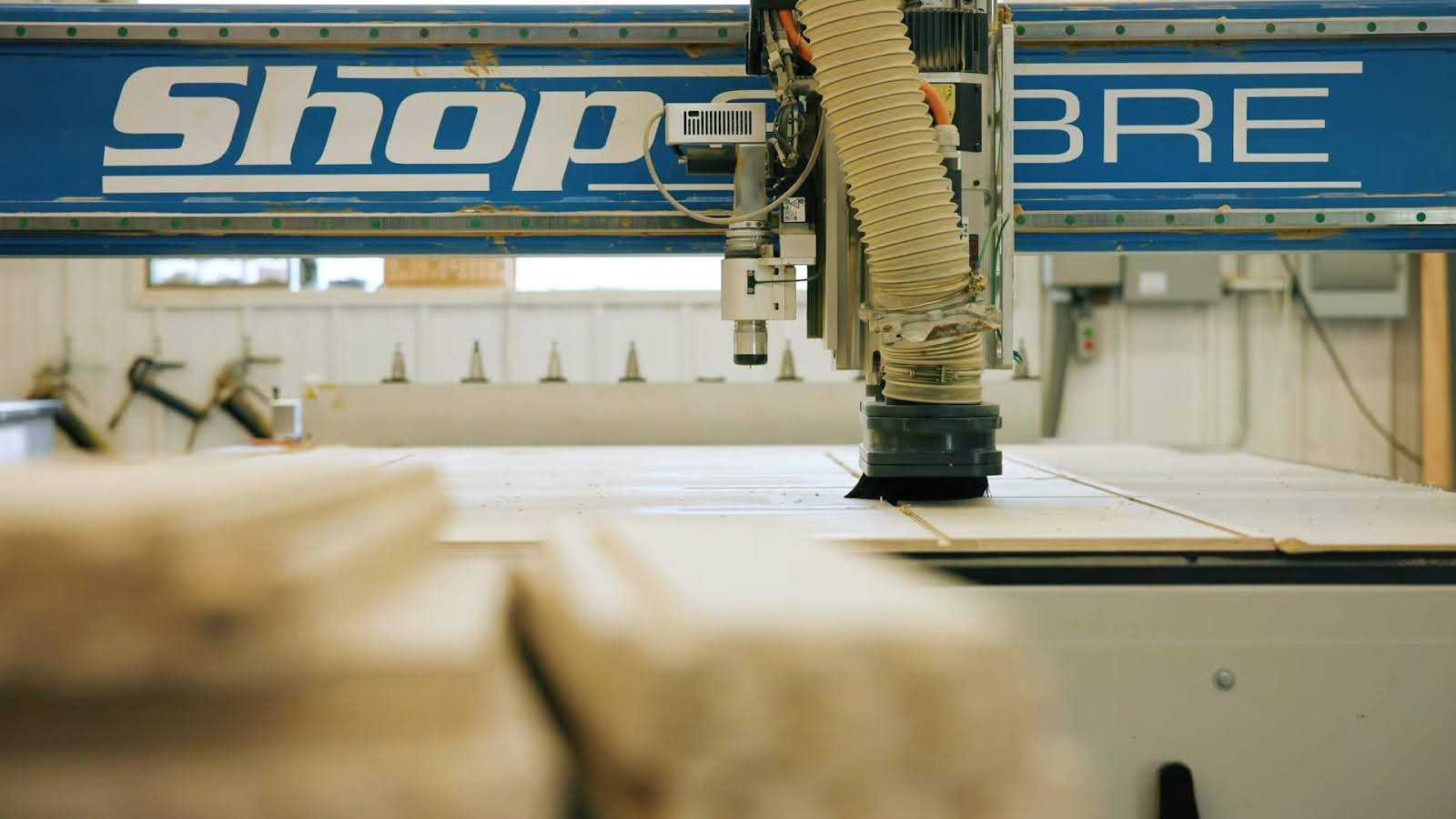
Cabinetmaking requires tight tolerances, especially for box construction, face frames, MDF doors, dovetail drawers, and drawer slides. A quality CNC router should deliver precise cuts every time, not just on Day 1, but for years to come. This depends on:
- Rigid frame construction: A heavier, stiffer frame resists vibration and flex, so cuts stay true at production speeds and after years of run time.
- Closed loop (servos) vs. open loop motors (steppers): Servo motors use feedback to confirm and correct their position as they run. Stepper motors don’t, so if they lose steps under heavy load, the machine doesn’t know and the part comes out wrong.
- Ball screw vs. rack-and-pinion drives: Each suits different machine sizes, speeds, and applications. Our guide to ball screw vs. rack and pinion explains which is right for your work.
Accuracy affects how everything fits together, today, and in the future after hours of run time. All of which impacts your customers satisfaction and business profit line.
5. Software Compatibility
A CNC machine is only as good as the software that runs it. For cabinet shops, that means seamless compatibility with design software like:
- Vectric VCarve or Aspire
- Cabinet Vision
- KCD
- Cabinet Pro
- Fusion 360
- Mozaik
The best CNC routers for cabinet shops should integrate with the software you already use (or plan to). Be cautious of proprietary programs that leave you handcuffed.
6. Material Compatibility
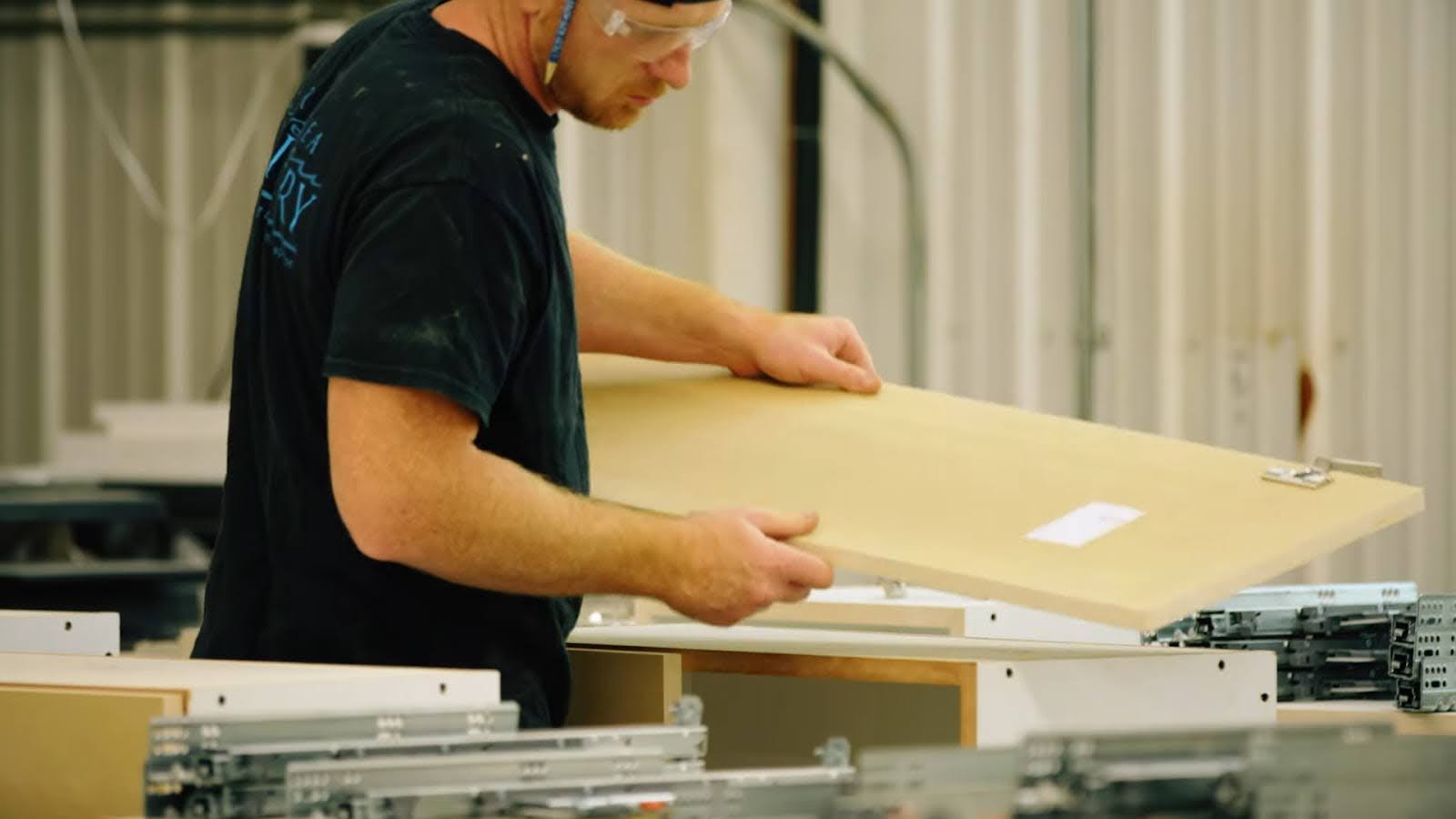
Most cabinet shops primarily cut plywood, MDF, particleboard, and hardwoods. But, what if you need to expand into Live Edge, Solid Surface, Plastics, or even Foam inserts? Make sure your machine can handle the materials you plan to cut, not just today, but down the line.
Higher-end routers offer better quality spindles, upgraded vacuum gold down systems, and more efficiency, all of which help when working with more advanced jobs.
7. Power, Dust Collection, and Shop Setup
Confirm what power the machine needs (single-phase or three-phase) and what your building has before you buy. Plan for dust collection sized to the machine, since MDF and particleboard produce fine dust in volume. Both affect installation cost and your timeline.
8. The Cost of a CNC Router for Cabinet Shops
CNC routers can range from just over $10,000 to well north of $100,000 — so how do you know what’s worth paying for?
In general, the more rigid, powerful, and production-ready the machine is, the higher the price tag. But it’s not just about size or spindle speed. The cost of a CNC router is tied to everything from the quality of components and motor type to software compatibility, support, and long-term reliability.
For cabinet shops, it’s important to think about the total cost of ownership, not just the sticker price. A cheaper machine may save you money upfront, but cost you in downtime, maintenance, or bad cuts down the line. On the other hand, a precision-built machine like a ShopSabre may be a more manageable investment up front, and it’ll pay for itself in output, accuracy, and years of reliable service.
The Right machine, oftentimes, has a better ROI.
If you’re wondering why CNC machine prices vary so widely — and what you’re really paying for — this breakdown of what contributes to pricing variances in CNC machines is a great place to start.
Don’t Forget Maintenance and Support
The best CNC router for a cabinet shop isn’t just about features — it’s also about how long the machine will last and who will support you when things go sideways.
A CNC router is a production asset. A machine that looks great in a demo also has to hold up to everyday production, because downtime hits your delivery dates, your crew’s hours, and your customer commitments.
Look for:
- U.S.-based support staff
- Training materials and onboarding assistance
- Easy access to replacement parts
- Preventative maintenance recommendations
- Clear warranty terms and service procedures
- A manufacturer with real experience building and supporting production machines
At ShopSabre shines here, every machine comes with lifetime customer support, on-site training to get your team cutting with confidence, and ongoing maintenance guidance. Because we engineer, build, and assemble our routers in-house in Minnesota, the people who answer your call are the people who know your machine and every part in it. When something goes sideways, you’re not stuck waiting on an overseas supplier or hunting for a replacement part that no longer exists, a common story with imported machines. That’s a big reason our routers are known for low long-term ownership costs.
Is a CNC Router Worth It for Your Cabinet Shop?
A CNC router is worth it when it solves a real production problem and your shop is ready to support the new workflow. Common signs your cabinet shop is ready:
- Manual cutting limits how many cabinets you can build a day
- Outsourced machining is causing scheduling delays
- Inconsistent parts are leading to rework
- Customer demand is outgrowing your current capacity
Buying a CNC router won’t make a shop more profitable by itself. Programming, operator training, job prep, workholding, maintenance, and material flow all shape the results.
Before you invest, add up how much time your shop spends on repetitive cutting, what you pay to outsource, how often errors force rework, and how much more work you could realistically sell. Then use the ShopSabre ROI Calculator to estimate your payback.
The right CNC router is the one that solves a measurable business need, not the one with the most impressive spec sheet. And think about what your shop could do with the time it gets back.
Talk To an Expert to Find the Best CNC Router For Your Shop
Choosing the right CNC router takes more than comparing specs or chasing the lowest price. Start with the work you need to produce and the bottlenecks you want to solve. Then evaluate the whole package: the machine, software, workflow, manufacturer, and support, weighed against the total cost of ownership.
Whatever you choose, investing in the best CNC router for your cabinet shop is the one that helps your shop build better cabinets, run more efficiently, have greater consistency, and the ability to confidently take on more jobs.
If you’re just starting to research your CNC workflow, check out our article on how to build cabinets for insight into the design-to-cutting process.
Ready to find the right fit? Explore ShopSabre CNC routers or talk to a CNC expert about matching a machine to your materials, volume, and growth plans.
Frequently Asked Questions About CNC Routers for Cabinet Shops
What is the best CNC router for a cabinet shop?
It depends on the materials you cut, your sheet size, your daily volume, the accuracy you need, your software, and your budget. A one-person custom shop needs a different setup than a high-volume cabinet manufacturer running nested sheets all day. You can browse ShopSabre’s full CNC router lineup to compare options.
Can a CNC router cut plywood and MDF?
Yes. Plywood and MDF are the most common materials CNC routers cut in cabinet shops. Good results depend on the right tooling, spindle settings, vacuum hold-down, dust collection, and cutting strategy.
Can a CNC router make cabinet doors and cabinet parts?
Yes. A properly set up CNC router can machine cabinet sides, shelves, bottoms, backs, drawer parts, and door components. What it can do depends on the machine, tooling, software, and the door style you build.
Do you need CAD/CAM software to use a CNC router?
In most cases, yes. CAD software creates the design and CAM software generates the toolpaths. Many cabinet programs, like Cabinet Vision, KCD, and Mozaik, combine both. Operators also need to learn the machine’s controller and safe operating procedures.
How long does it take to learn CNC routing?
It depends on the operator’s experience, the software, and the work. Basic operation and repeat jobs can be learned fairly quickly with good training. Programming, tooling optimization, and troubleshooting take longer. A manufacturer that offers ongoing support and training can help you get up and running without hiring a CNC specialist.
Does a CNC router replace skilled cabinetmakers?
No. A CNC router automates specific cutting and drilling tasks, but design, programming, setup, quality control, and assembly still take skilled people. It frees your best people to focus on higher-value work. A CNC router is a tool; your skilled worker is still the craftsman.
How do I know when my shop is ready for a CNC router?
Your shop may be ready when manual cutting limits output, repetitive tasks eat up too much labor, outsourcing causes delays, parts are hard to keep consistent, or demand calls for more capacity. Back the decision with a realistic workflow plan and the numbers from an ROI estimate.