


CNC Router Basics: Tips for Getting the Most out of Your CNC Router
Key Takeaways
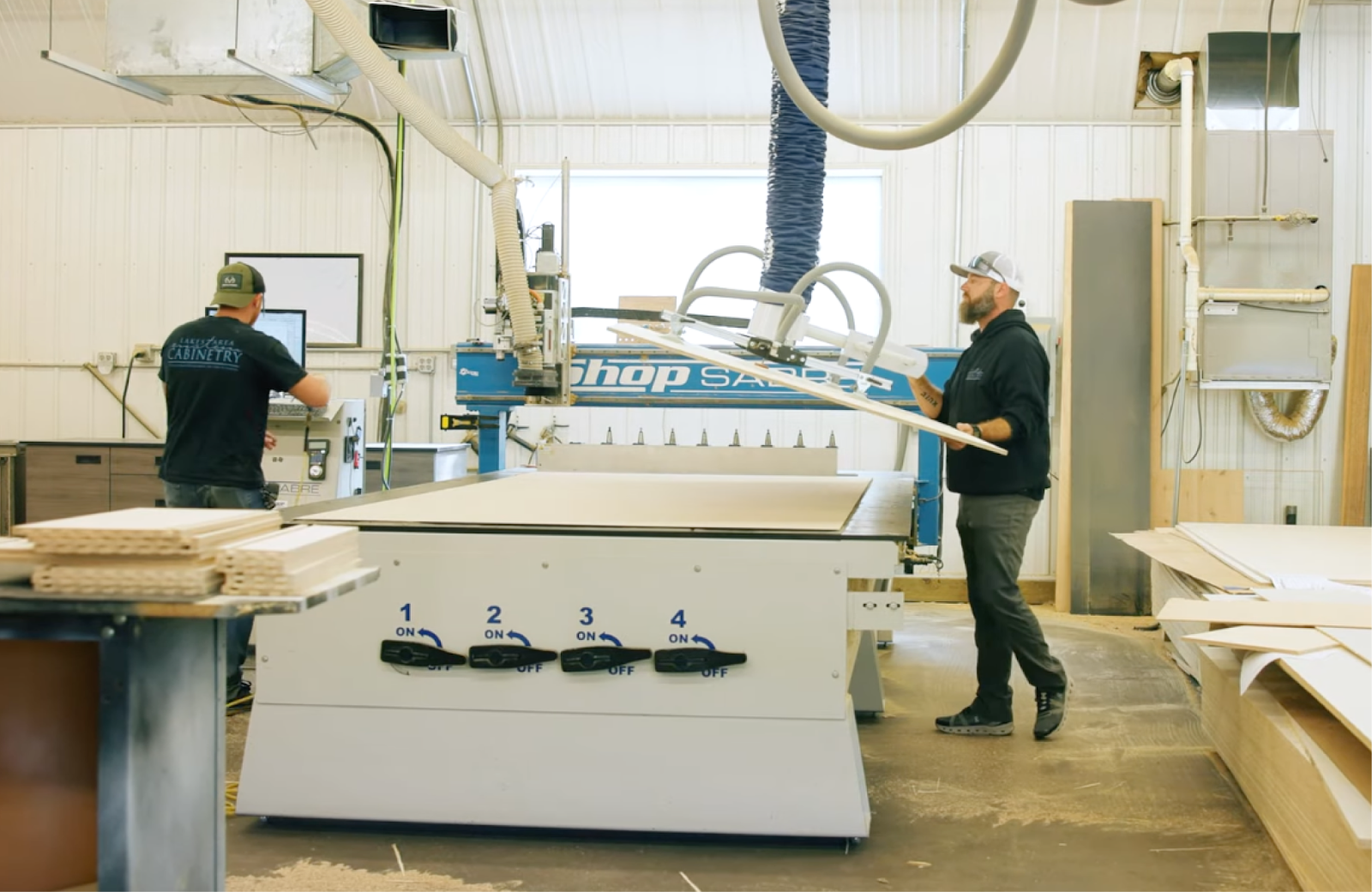
CNC routers reward good setup, consistent processes, and basic discipline. This article will help you understand how the machine thinks, control your workflow, and maintain it properly, resulting in cleaner cuts, fewer mistakes, and far better long-term results.
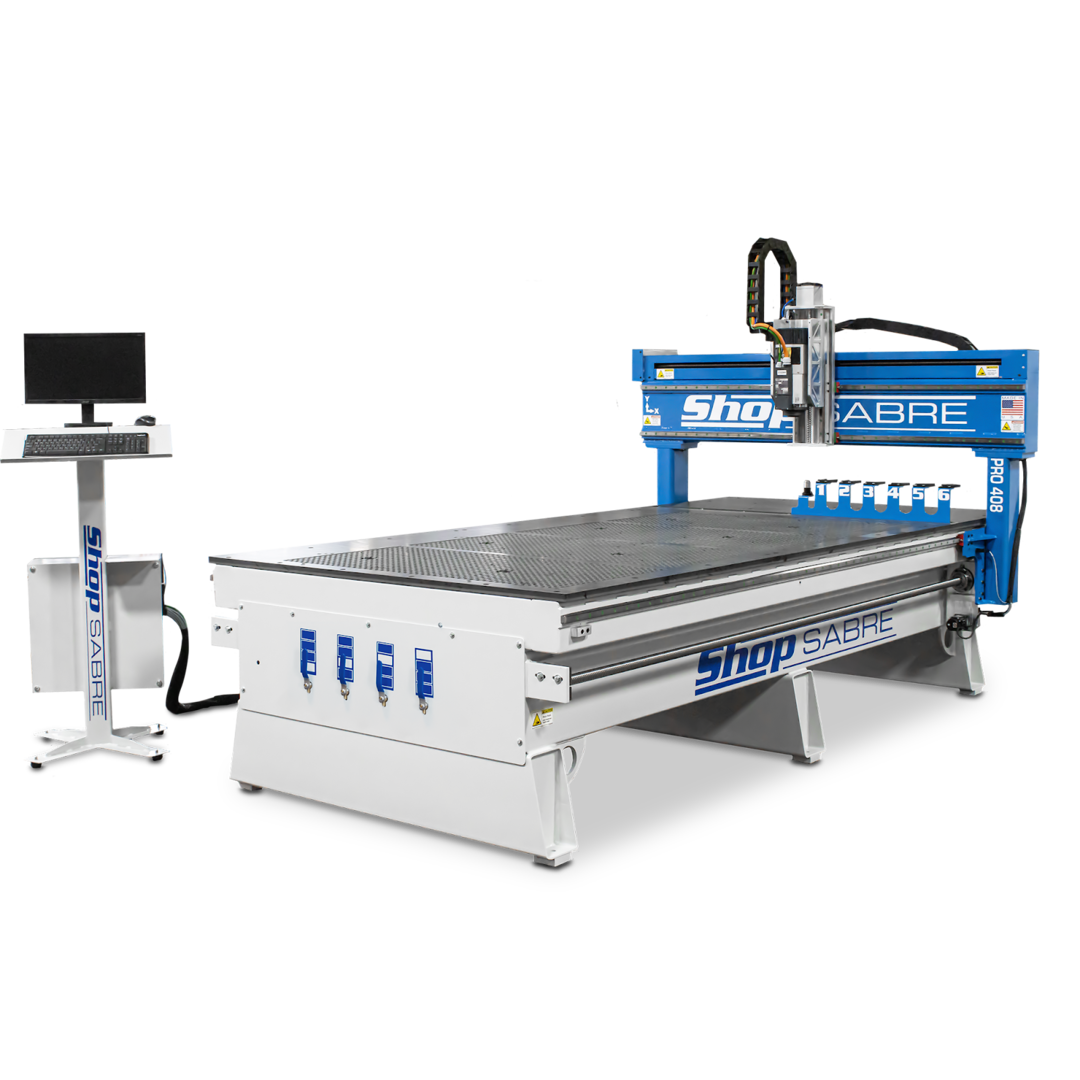
What a CNC Router Actually Does Well
Before getting into CNC router tips, it helps to reset expectations. A CNC router is not a shortcut to finished parts, and it is not a replacement for every tool in your shop.
Where CNC routers shine is in accuracy and repeatability.
If you need one part with three holes, a drill press is usually faster. If you need fifty parts with thirty-two holes, all placed precisely, a CNC router makes sense. The machine does not get tired, does not eyeball measurements, and does not drift if it is set up correctly.
That reliability is what makes CNC routers valuable in production, prototyping, and custom work. It is also why learning proper CNC router basics matters early on.
CNC Router Basics for Beginners
If you are new to CNC routing, it helps to understand the workflow before worrying about feeds, speeds, or tooling.
Most CNC router jobs follow the same basic process:
- Design the part in CAD software
- Create toolpaths in CAM software
- Generate G-code
- Set up the material and zero points
- Run the job
- Finish and assemble the part
Problems usually happen when one of these steps is rushed or misunderstood. A CNC router for beginners is not difficult to use, but skipping steps can impede the production process.
Understanding CAD, CAM, and Controller Software
One of the biggest mistakes beginners make is assuming all CNC software does the same thing. It does not.
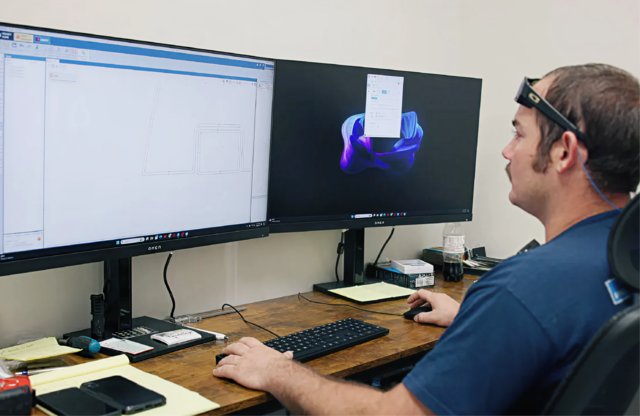
- CAD software is where you design the part.
- CAM software decides how the part will be cut.
- Controller software tells the machine how to move.
Keeping those roles clear will save you a lot of frustration.
- If your CAD file is wrong, the part will be wrong.
- If your CAM settings are wrong, the cut will be wrong.
- If your controller setup is wrong, the machine will behave unpredictably.
Stick to one unit of measurement across all software. Inches or millimeters are fine, but mixing them is a guaranteed way to scrap material.
How to Use a CNC Router Safely from Day One
Safety is not optional with CNC routers, especially for beginners. Start every new setup with dry runs. Run the program with the spindle off and no bit installed. Watch the motion. Look for unexpected moves, plunges, or rapid direction changes.
Use an emergency stop. Keep your hand near it until you trust the job. If you are unsure, stop. CNC routers do exactly what they are told, even when that instruction is wrong.
A damaged tool or ruined material is inconvenient. A machine crash or personal injury is far worse.
Machine Zero, Work Offsets, and Why They Matter
Understanding zero points is one of the most important CNC router basics to learn.
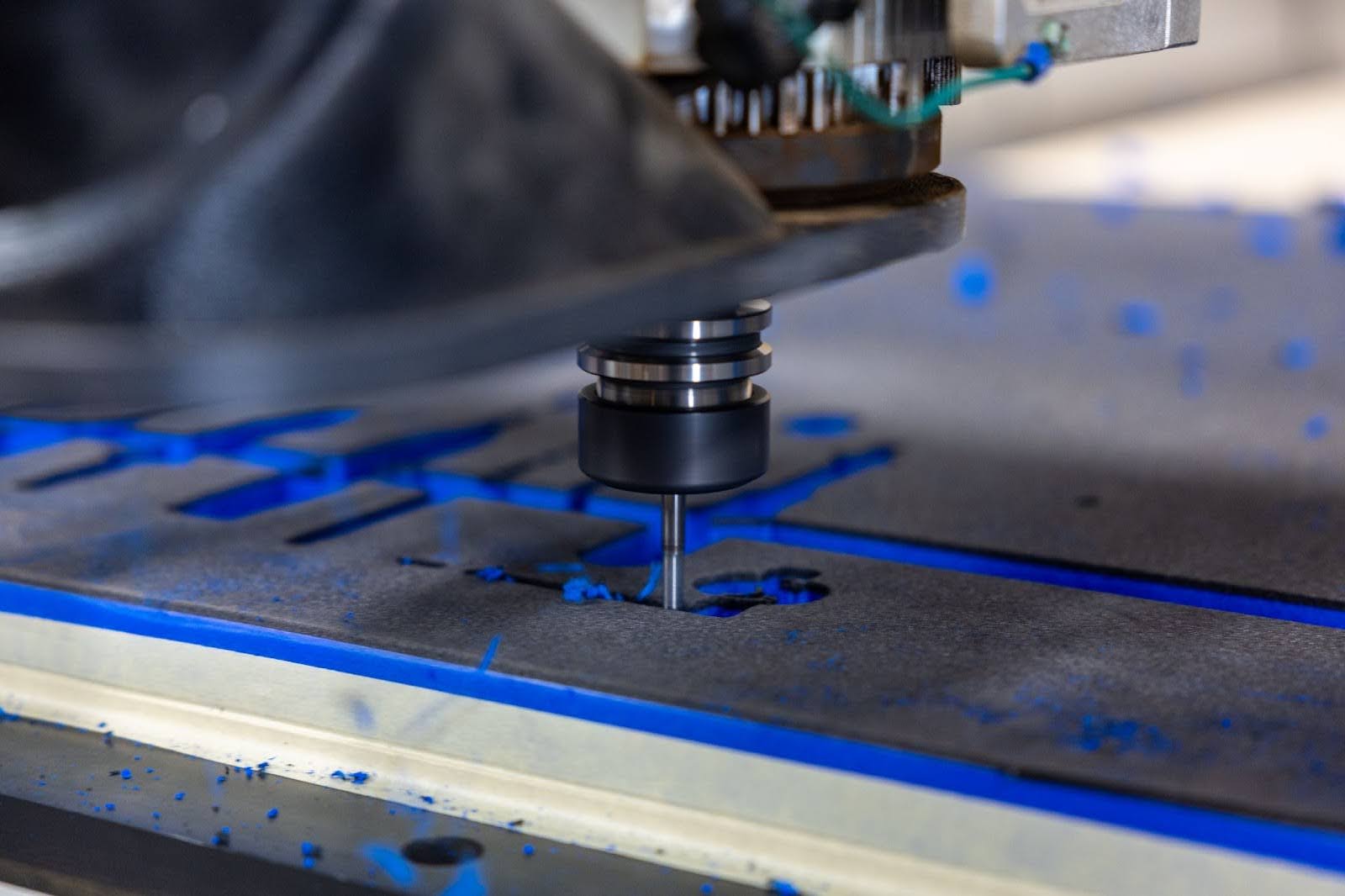
Machine zero is the fixed reference point for the machine itself. Work zero is where your job starts on the material.
Confusing the two causes crashes. Machine zero should stay consistent, but work zero can change from job to job.
Once you understand this relationship, you gain flexibility. You can place material anywhere on the table, run multiple jobs, or fixture repeat parts with confidence. This is where CNC routers move from hobby tools to production equipment.
Getting Accurate Results Starts with Setup
Most CNC accuracy problems are not caused by bad machines. They are caused by a poor setup.
Here’s how you can avoid that:
- Always take time to square material. Secure it properly. Use fixtures when possible.
- Always verify your Z height. Bit length and material thickness changes require new Z zeroing. Skipping this step ruins parts quickly.
- Calibrate steps per unit. When the software says the machine moved one inch, it should actually move one inch.
This is basic but often overlooked. Precision comes from consistency, not speed.
Choosing the Right Cutting Tools
Tooling has a bigger impact on CNC results than many new operators realize. A well-built CNC router can only perform as well as the cutting tool doing the work. When cuts burn, edges tear out, or the machine starts to chatter, the issue is often blamed on feeds, software, or even the machine itself.
In reality, the problem is frequently the bit.
Quality Tools Protect Your Work and Your Machine
Low-cost or worn tooling dulls quickly, especially in production environments. As a bit loses its edge, it creates heat instead of clean chips. That heat causes burning in wood, melting in plastics, and premature tool failure in metals. It also increases vibration, which affects cut quality and puts unnecessary strain on bearings, motors, and the spindle.
Investing in quality tooling pays off through cleaner cuts, longer tool life, and more predictable results.
Match the Tool to the Material
Different materials respond very differently to cutting forces. A bit that works well in plywood may perform poorly in hardwood, and a tool designed for wood will struggle in aluminum or composites.
- Wood often benefits from sharp, clean-cutting geometry that reduces tear-out
- Plastics require tooling that clears chips efficiently to prevent melting
- Aluminum needs tools designed to handle heat and evacuate chips without welding
- Composites demand specialized tooling to manage abrasive fibers and dust
Using the right tool for the material improves surface finish and reduces the need for secondary sanding or cleanup.
Tool Geometry Matters
Beyond material type, flute count, cutting direction, and coating all influence results. Upcut, downcut, compression, and single-flute tools each serve a specific purpose. Choosing the right geometry helps control chip evacuation, edge quality, and tool temperature.
Understanding these basics allows you to select tools intentionally instead of guessing and hoping for the best.
Start Conservative and Build Up
When dialing in a new tool or material, patience pays off. Starting with conservative feeds and speeds gives you room to learn how the material behaves and how the tool responds. Once the cut is stable and clean, speeds can be increased gradually.
CNC routing is rarely about pushing the machine to its limits. Consistent, controlled cutting almost always produces better results than aggressive settings.
Tooling Is Part of the Workflow
Cutting tools are not an afterthought. They are a core part of the CNC process, just like design, setup, and programming. When tooling is chosen thoughtfully and maintained properly, the entire workflow becomes smoother and more predictable.
CNC Router Maintenance That Actually Matters
You do not need to over-maintain a CNC router, but you do need to maintain it consistently.
Keep the Machine Clean Where It Counts
Dust and debris are part of CNC routing, especially when cutting wood, composites, or plastics. Left unchecked, that buildup finds its way into places it does not belong.
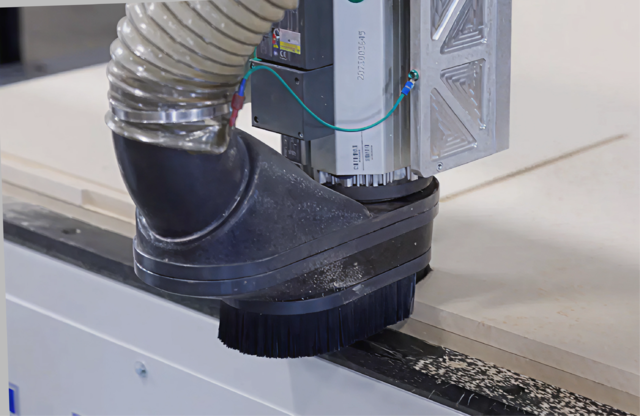
Focus on cleaning areas that affect motion and accuracy. Linear rails, bearings, ball screws, rack and pinion systems, and encoder areas should stay free of debris. Electronics cabinets and cooling fans also deserve attention, since restricted airflow leads to heat and shortened component life.
A quick daily wipe-down and a more thorough weekly clean go a long way toward protecting the machine.
Lubricate with Purpose, Not Excess
Lubrication matters, but more is not better. Over-lubricating attracts dust and creates abrasive buildup that accelerates wear.
Follow the manufacturer’s lubrication schedule and use the recommended lubricants. Keep rails, bearings, and drive components lightly lubricated and clean. If grease or oil looks contaminated, it is time to clean and reapply, not layer more on top.
Proper lubrication keeps motion smooth and preserves accuracy over time.
Inspect Motion Components Regularly
CNC routers rely on precise, repeatable movement. Small issues in motion components can quietly degrade cut quality long before they cause a breakdown.
Periodically inspect linear rails, bearings, belts, ball screws, and rack systems for debris, uneven wear, or abnormal noise. If something feels or sounds different than usual, it is worth investigating early.
Catching wear early often means a simple adjustment instead of a costly repair.
Check Wiring and Connections
Vibration is a constant in CNC routing. Over time, it can loosen connectors, strain cables, and fatigue wiring.
Make it a habit to visually inspect wiring, cable carriers, connectors, and grounding points. Look for signs of rubbing, pinching, or loose connections. These small checks prevent intermittent faults that are frustrating to diagnose and disruptive to production.
Good maintenance prevents downtime and preserves accuracy. Ignoring it turns small issues into expensive ones.
Improving Efficiency Without Sacrificing Quality
Efficiency is not about running faster. It is about reducing mistakes and wasted motion. In the simplest terms, efficiency can be broken down like this:
- Batch similar jobs together.
- Use templates and fixtures.
- Reuse proven toolpaths when possible.
- Label tools and materials clearly. Track what works.
The fastest shops are rarely the ones pushing the highest speeds. They are the ones making fewer errors.
Common CNC Router Mistakes to Avoid
Most CNC router problems are not caused by bad machines or complicated software. They come from small, repeatable mistakes that compound over time. These are the issues that show up most often, especially in newer shops or with operators who are still building confidence.
Skipping Dry Runs
Dry runs feel optional until the first crash.
Running a program without the spindle on lets you see exactly how the machine is going to move before it ever touches material. It exposes incorrect origins, unexpected rapid moves, and toolpaths that dive where they should not.
Many beginners skip this step because they trust the software or assume a simple job cannot go wrong. In practice, even small design changes or post-processor differences can create surprises. A two-minute dry run can prevent broken tooling, scrapped material, and hours of downtime.
If the motion looks wrong during a dry run, stop and fix it. That is the cheapest time to catch a mistake.
Forgetting to Reset Z Zero After Tool Changes
This is one of the most common and costly CNC router mistakes.
Every tool has a different length. Changing a bit without resetting Z zero means the machine no longer knows where the material surface actually is. The result is either cutting too deeply, not cutting at all, or plunging straight into the table.
Even shops with experience fall into this trap when moving quickly between jobs. The solution is consistency. Treat Z zeroing as a mandatory step any time a tool is changed, even if the change feels minor.
When Z zero is correct, everything else gets easier. When it is not, nothing works the way it should.
Mixing Units Between CAD and CAM
Unit mismatches are silent mistakes until it is too late.
Designing a part in inches and programming it in millimeters can cause parts to be cut at the wrong size, or worse, send the machine far beyond the expected cutting area. Sometimes the error is obvious. Other times, it looks close enough to slip through until final inspection.
The safest approach is to pick one unit system and use it everywhere. CAD, CAM, and controller settings should all match. Double-check units when importing files, especially if designs come from outside sources.
A quick units check at the start of a job prevents a lot of confusion later.
Running Dull or Incorrect Tooling
When the cut quality drops, the machine often gets blamed first. In reality, the tool is usually the problem.
Dull bits generate heat, cause tear-out, and increase cutting forces. Using the wrong tool geometry for the material makes those problems worse. Wood, plastics, and aluminum all require different cutting approaches.
If you find yourself slowing feeds excessively, seeing burn marks, or getting inconsistent edges, inspect the tool before changing anything else. Replacing a worn bit is far cheaper than chasing settings that will never fix the underlying issue.
Sharp, appropriate tooling makes CNC routers feel far more capable than they actually are.
Ignoring Material Hold-Down
Secure material is non-negotiable.
Even slight movement during cutting ruins accuracy and surface finish. It can also snap tools or pull parts into the cutter path unexpectedly. Screws, clamps, vacuum systems, and fixtures all work, as long as they hold the material flat and immobile.
The mistake many beginners make is assuming weight alone is enough. It is not. CNC routers generate lateral forces that can shift material even during light cuts.
If you ever see parts drifting, edges not lining up, or dimensions changing between passes, revisit your hold-down strategy before adjusting anything else.
Chasing Speed Instead of Consistency
Speed is tempting, especially once a few successful jobs build confidence.
Pushing feeds and depths too quickly introduces vibration, tool deflection, and inconsistent results. It also reduces tool life and increases the chance of mistakes that undo any time saved.
Experienced operators focus on repeatable, predictable outcomes first. Once a process is stable, speed can be increased gradually and safely.
Why These Mistakes Matter
Each of these issues on its own might seem minor. Together, they account for most of the frustration people experience with CNC routers.
Avoiding them does not require advanced knowledge or expensive upgrades. It requires attention, routine, and a willingness to slow down just enough to do things right.
When these basics are handled well, CNC routers become reliable, predictable, and far more enjoyable to run.
When a CNC Router May Not Be the Best First Choice for a Job
A CNC router is a powerful addition to any shop, and for many businesses, it quickly becomes the most-used machine on the floor. That said, even the best equipment works best when it’s applied intentionally. Knowing when a CNC router is the right tool, and when a simpler approach makes more sense, helps you get more value from the machine, not less.
Simple Parts Still Benefit from CNC Consistency
For very basic cuts or drilling, manual tools can feel faster at first. However, once a CNC router is set up, even simple parts benefit from repeatability and consistency. Jobs that start as “one-offs” often turn into repeat orders, and having a program ready means the next run is faster, cleaner, and more predictable.
Many shops use their CNC router for basic products specifically because it removes human variation and reduces rework. What seems simple today often becomes a core product tomorrow.
Material and Cutting Forces Still Matter
CNC routers excel at cutting wood, plastics, composites, aluminum, and other non-ferrous materials. For extremely heavy metal removal or tight-tolerance steel parts, a CNC laser is still the better tool.
That said, modern CNC routers, especially rigid, industrial-built machines, handle a wide range of production work that once required much larger equipment. Understanding material limits allows you to push the router confidently without forcing it into applications it was not designed for.
CNC Shines as Production Grows
Even if your current work is straightforward, CNC routers offer long-term advantages as volume increases.
Once parts are programmed, production becomes scalable. What takes minutes manually can be repeated hundreds of times with identical results. That reliability is why many shops invest in CNC early, even when their initial products are simple. The machine grows with the business.
Getting the Most Out of a CNC Router
CNC routers are not shortcuts or push-button solutions. They are tools that reward operators who take the time to understand how design, setup, tooling, and machine behavior all work together.
When you focus on the fundamentals, such as clean setups, consistent workflows, proper maintenance, and realistic cutting strategies, the machine becomes predictable and dependable. Rushing steps or skipping basics usually creates more problems than it solves.
Handled the right way, a CNC router earns its place as one of the most versatile and reliable machines in the shop, whether you are learning the ropes or running production day in and day out.